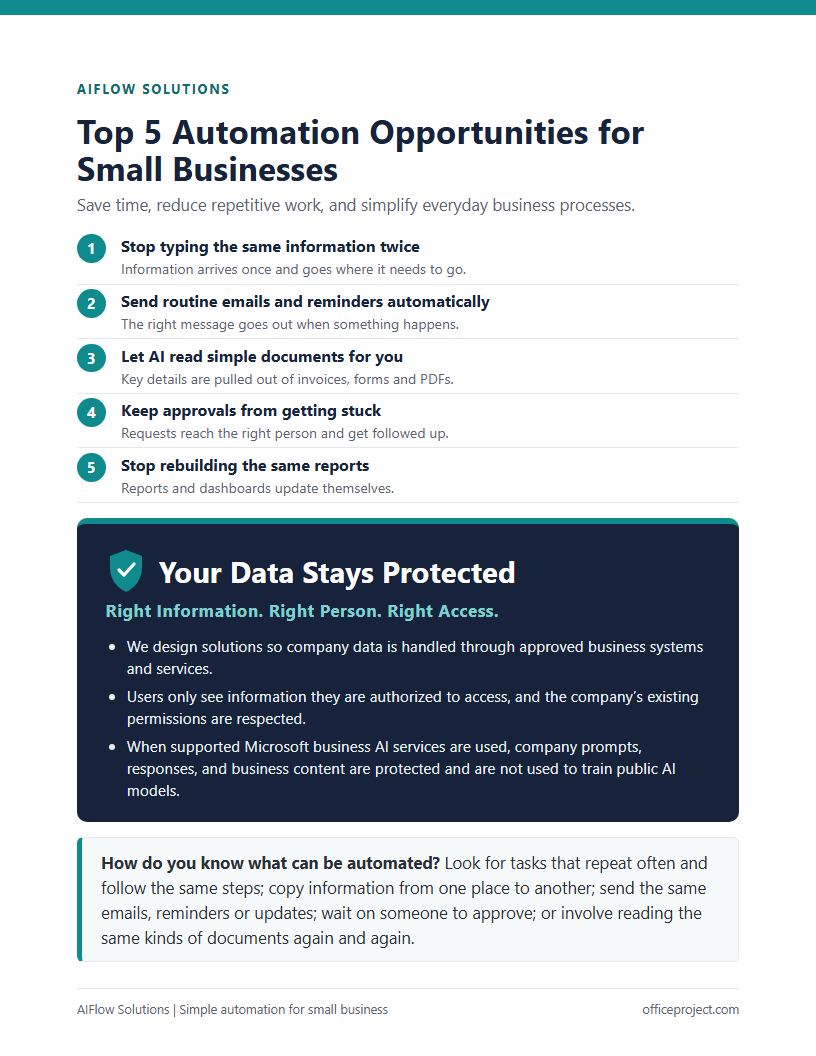
Start with the free Top 5 Automation Guide
A short, practical guide to five everyday tasks you can automate, and how to pick your first one. No sales commitment.
Get Your Free GuideSave time, reduce manual work, and improve everyday business processes with Microsoft 365 and AI automation.
✓ Free, plain-English guide ✓ No sales commitment
Details are copied from forms and emails into spreadsheets or other systems.
Work waits while someone is asked, reminded and asked again.
Confirmations and follow-ups depend on someone remembering.
Invoices, forms and PDFs are opened just to find the same few details.
Numbers are pulled from several places into the same report again and again.
Spreadsheets, inboxes and notes make it hard to see what is happening.
We build these with Microsoft 365 and AI tools you may already pay for, so you can focus on the outcome, not the technology.
A short, practical guide to five everyday tasks you can automate, and how to pick your first one. No sales commitment.
Get Your Free GuideRight Information. Right Person. Right Access.
We design solutions so company data is handled through approved business systems and services.
Users only see information they are authorized to access, and the company’s existing permissions are respected.
When supported Microsoft business AI services are used, company prompts, responses, and business content are protected and are not used to train public AI models.
You do not need to automate everything. Pick the one task that costs you the most time.
Get Your Free GuideOr request a FREE Automation Assessment.
Also need a website? Website Design & Care